See your whole health picture. Keep it on your Mac.
Nutrition, workouts, weight, Apple Health and long-term progress, together in one focused Mac app. Your health records stay on your Mac, under your control.
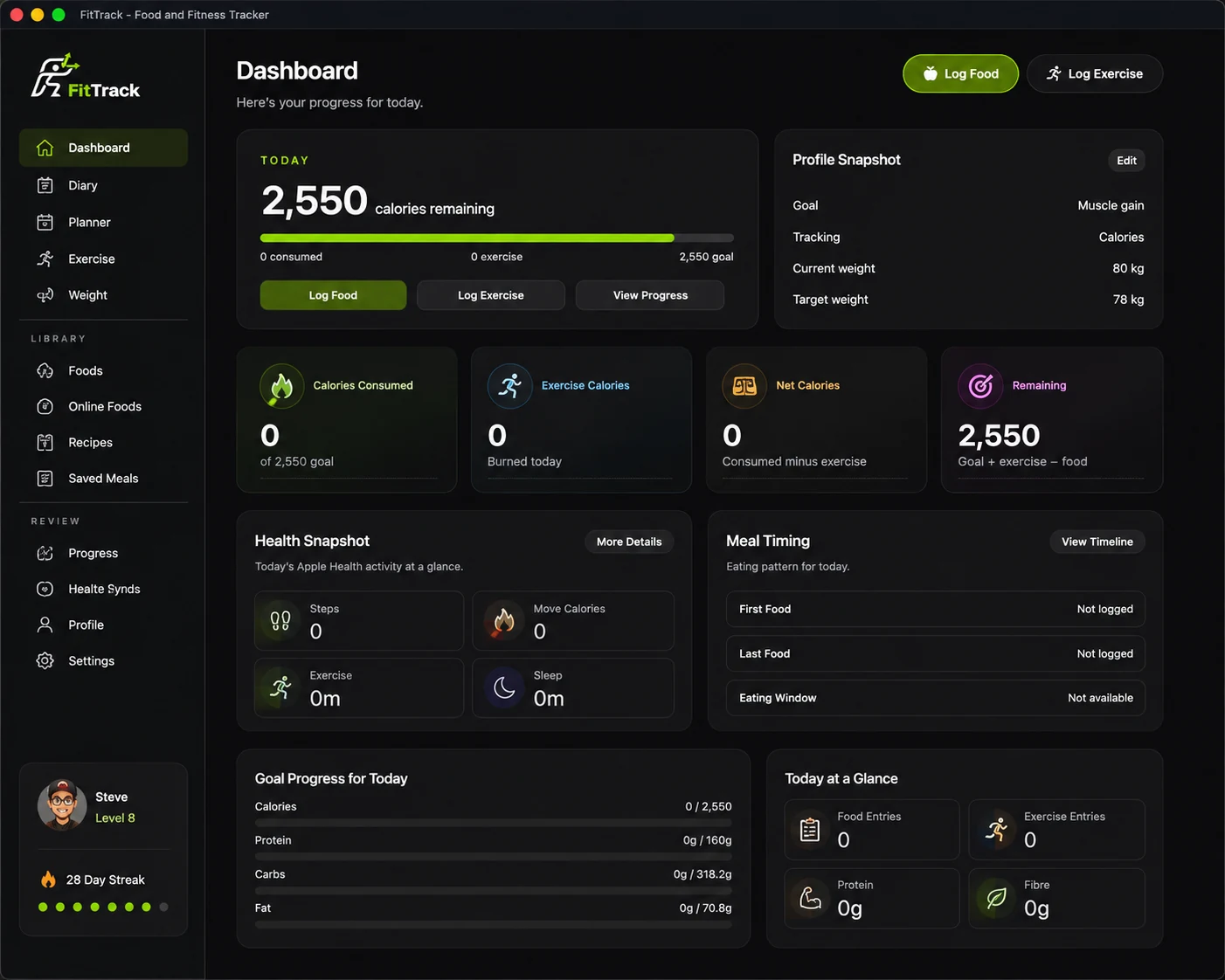
Dashboard. Calories, goals, activity and nutrition targets for today, at a glance.
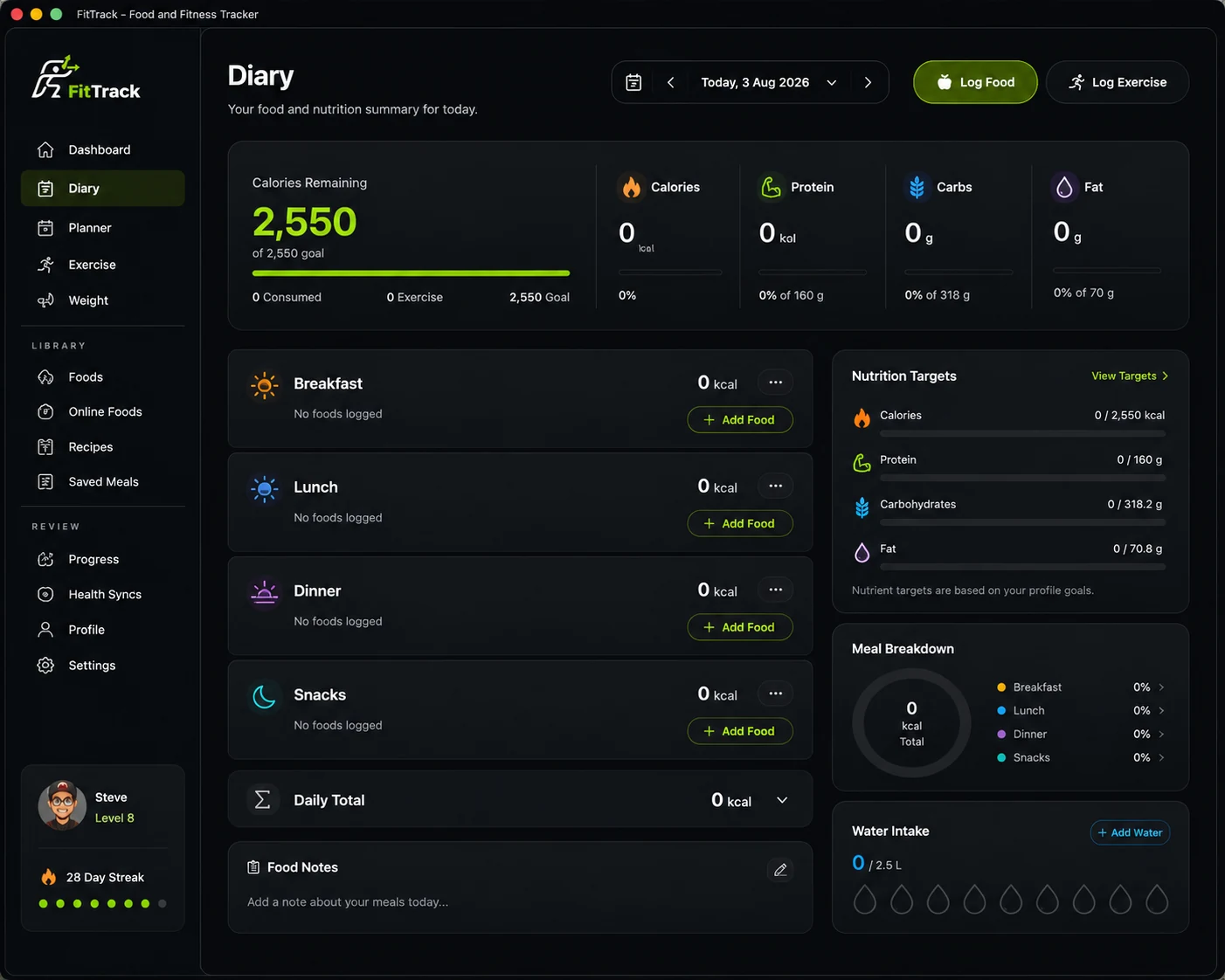
Food Diary. Log meal by meal while calories, macros and water stay up to date.
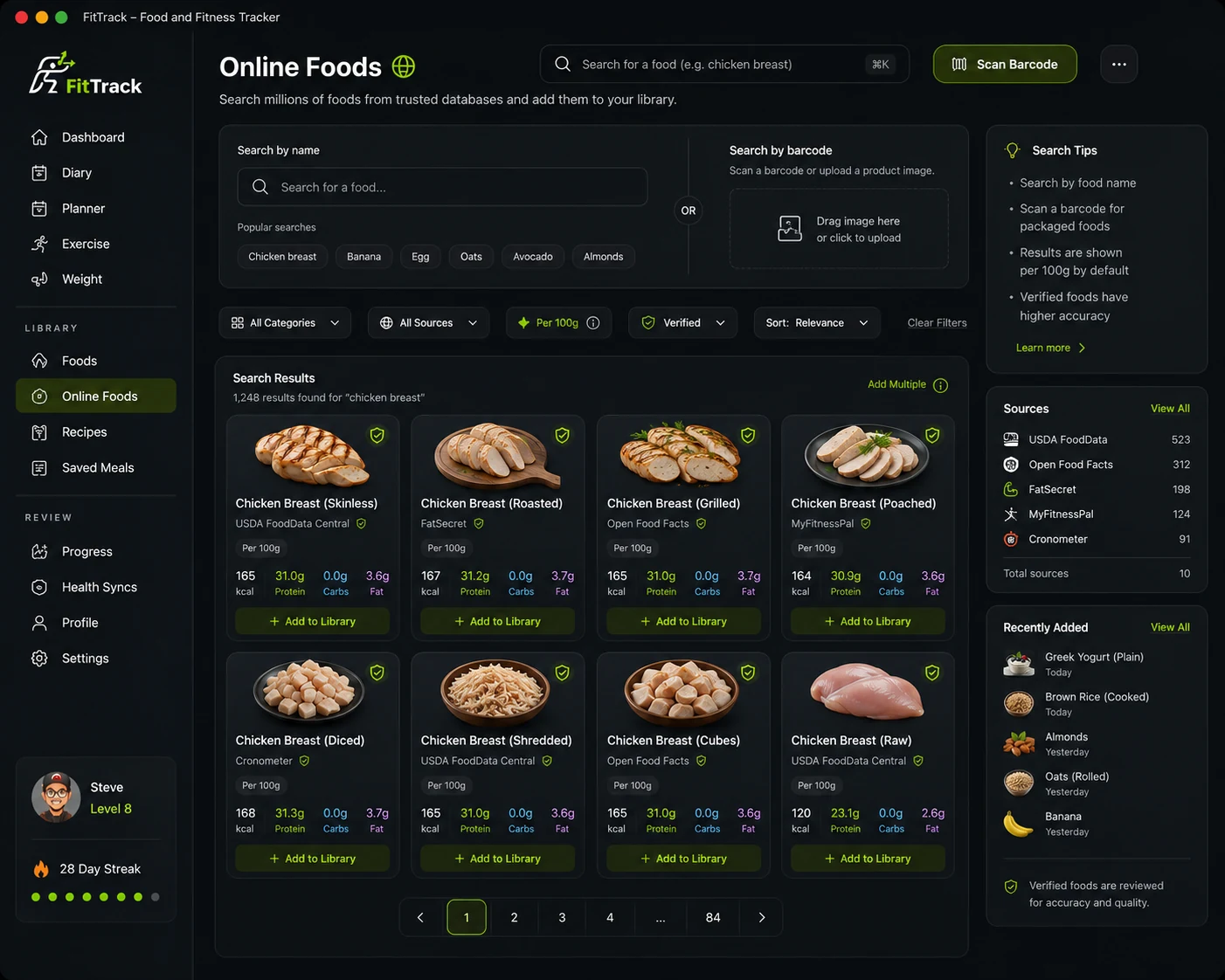
Online Foods. Search trusted food databases or scan a barcode, only when you ask.
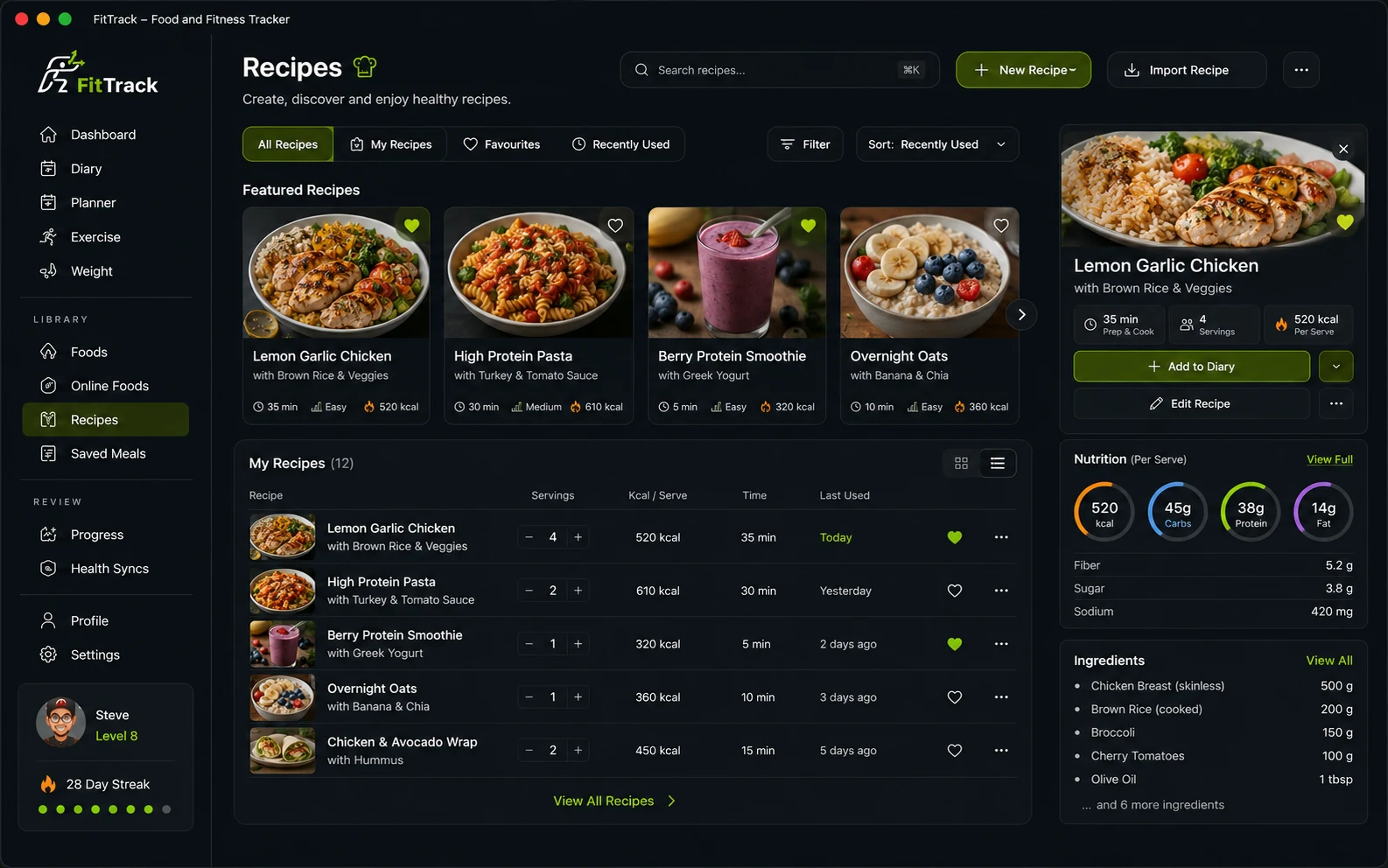
Recipes. Build recipes, save meals and plan ahead.
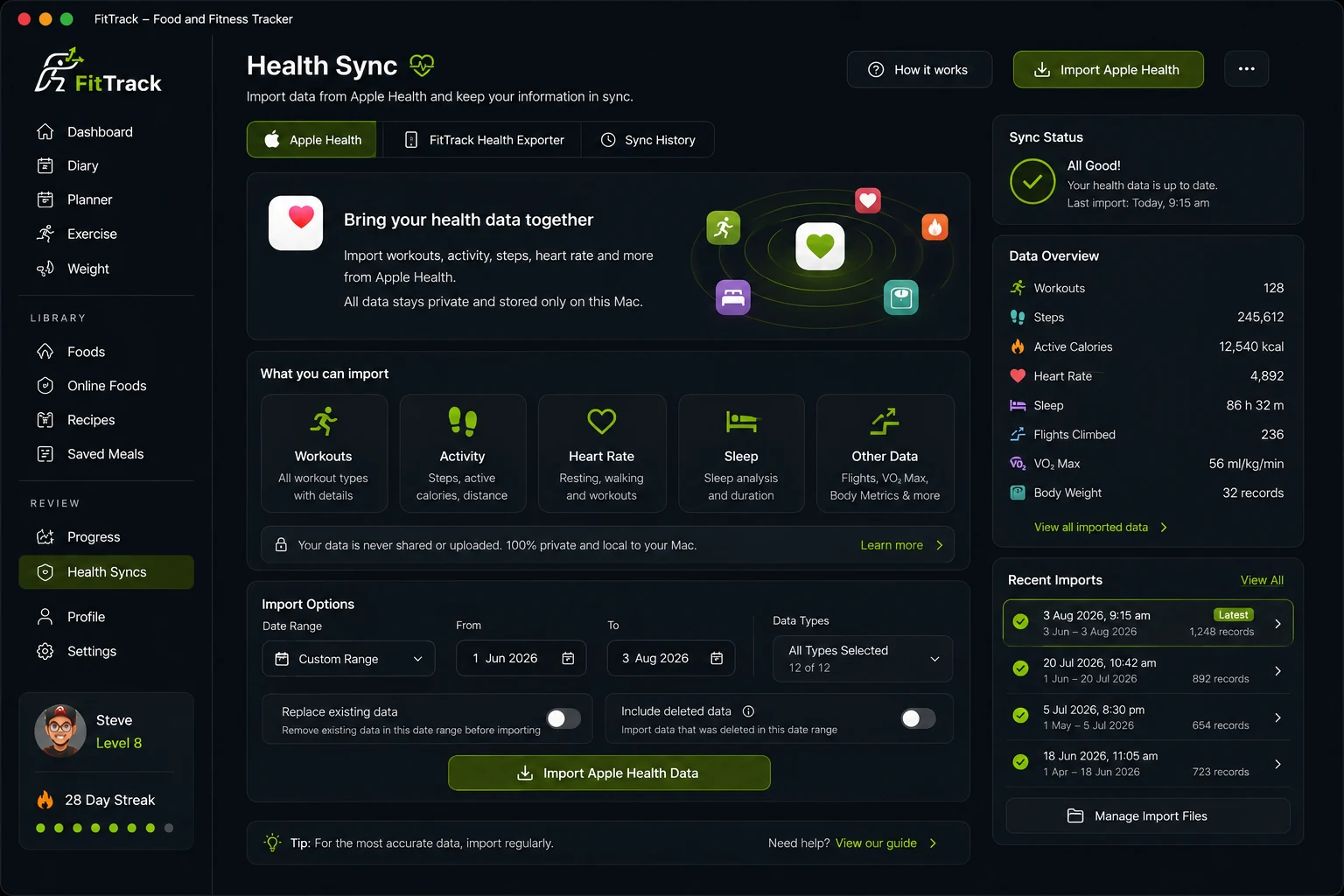
Health Sync. Import workouts, activity, heart rate, sleep and body measurements from Apple Health.
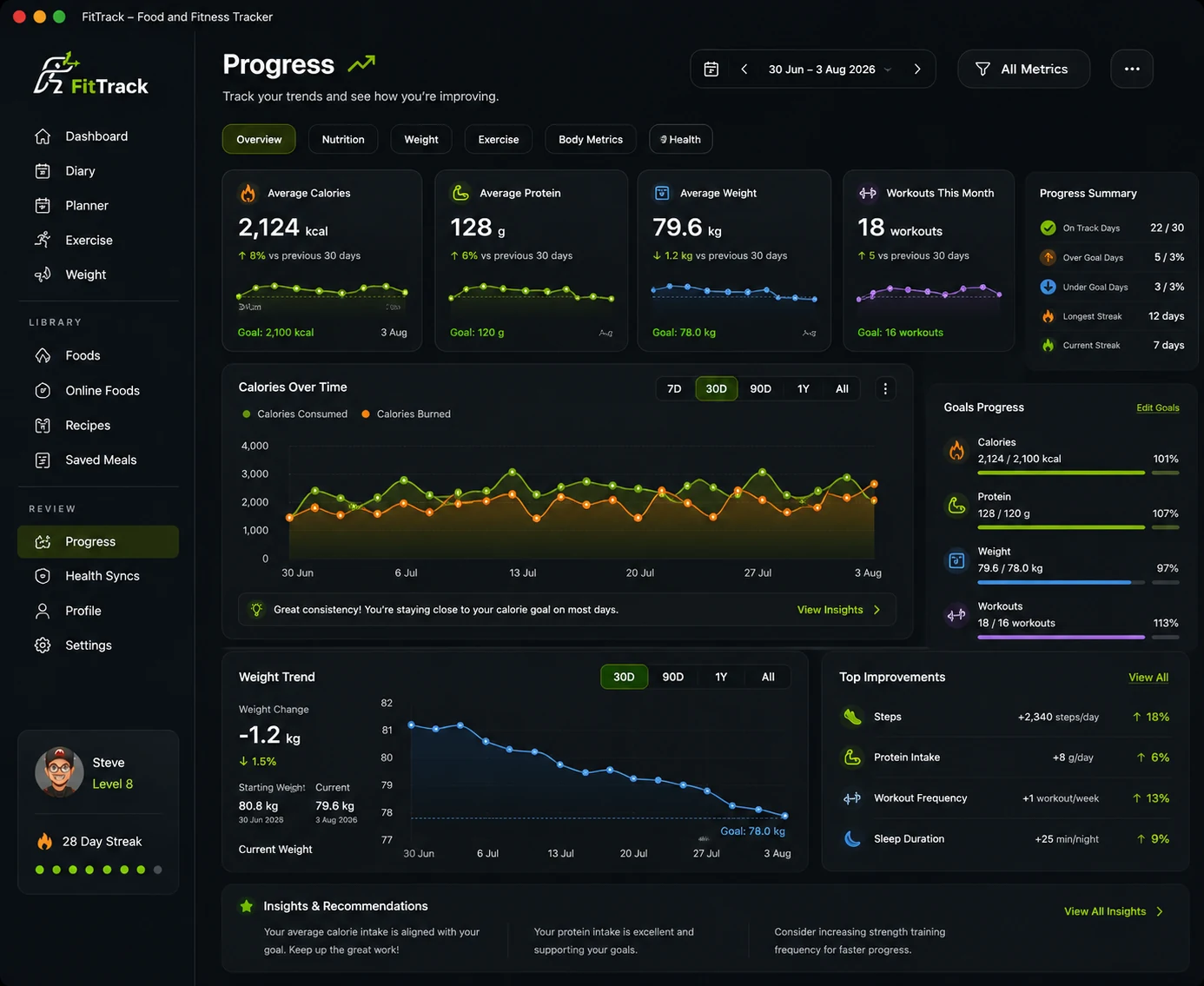
Progress. Nutrition, weight and workout trends side by side.
Drag, swipe or use the arrows. Tap a screen to see it larger.
One connected experience
Understand today. See the bigger picture.
FitTrack connects the things you record every day with the progress you want to understand over time.
Plan and log
Everything you eat, working together.
Search trusted food databases, create recipes and log meals while FitTrack keeps your daily calories, macronutrients, water and nutrition targets up to date.
Fast meal-by-meal logging
Online food and barcode search
Recipes, saved meals and planning
Connect your health
Bring Apple Health to your Mac.
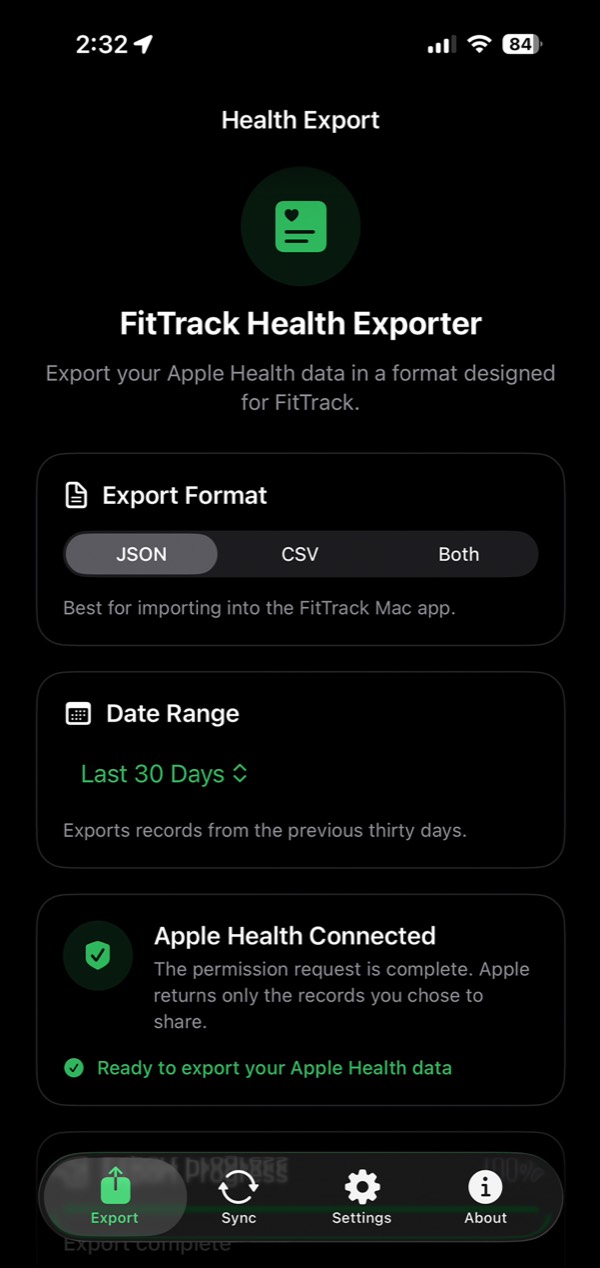
iPhone Health Exporter companion
Wireless and file-based imports
Private local import history
Understand progress
Turn daily records into useful trends.
Clear daily dashboard
Nutrition, weight and workout trends
Goal progress and practical insights
How it connects
From Apple Health to insight. No cloud account.
FitTrack Health Exporter prepares the information you choose and sends it straight to FitTrack on your Mac.
Apple Health
Select the dates and supported information you want to export.
Health Exporter
Create a lightweight export designed specifically for FitTrack.
FitTrack on Mac
Review imported workouts, health history and long-term progress.
Privacy by design
Your information stays under your control.
FitTrack explains exactly what stays on your Mac, and when an optional feature uses a connection.
Stored locally
Your core profile, diary, exercise, weight and imported health records stay on your Mac.
No required account
Use the core application without creating a FitTrack cloud profile.
Your backups
Create, restore and keep complete backups under your own control.
Online only when asked
Network features are optional, clearly identified and limited to the task you requested.
FitTrack is being prepared for release on the Mac App Store. Join the launch list below to be notified when it becomes available.
Which versions of macOS will FitTrack support?
Final compatibility information will be published before release so you can confirm that FitTrack supports your Mac.
What Apple Health information can I import?
FitTrack supports selected workouts, activity, steps, heart rate, sleep and body measurements. Exact availability depends on the information present in your Apple Health export.
Does FitTrack require an internet connection?
The core application works with locally stored information. Optional features such as online food search and wireless Health Sync use a connection only when you request them.
How do backups and restores work?
FitTrack includes user-controlled backup and restore tools so you can keep a complete copy of your FitTrack information.
Will my health information be used for advertising?
No. FitTrack is not designed around advertising or third-party tracking. See the Privacy Policy for full details about optional online services.
Coming soon to Mac
Be the first to know when FitTrack is ready.
A launch notification and occasional important release updates. No advertising and no unrelated email.
Check your inbox
Please check your inbox and confirm your email address.